Product overview

How HomeSafe360 turns assessment into action

See how guided assessments, automated risk scoring, follow-up actions, and live reporting work together in one continuous workflow.

Simple language for employees, actionable data for managers Follow-up workflows that support behaviour change, not just completion rates Evidence trails that help answer “is this actually compliant?” with confidence
What it is

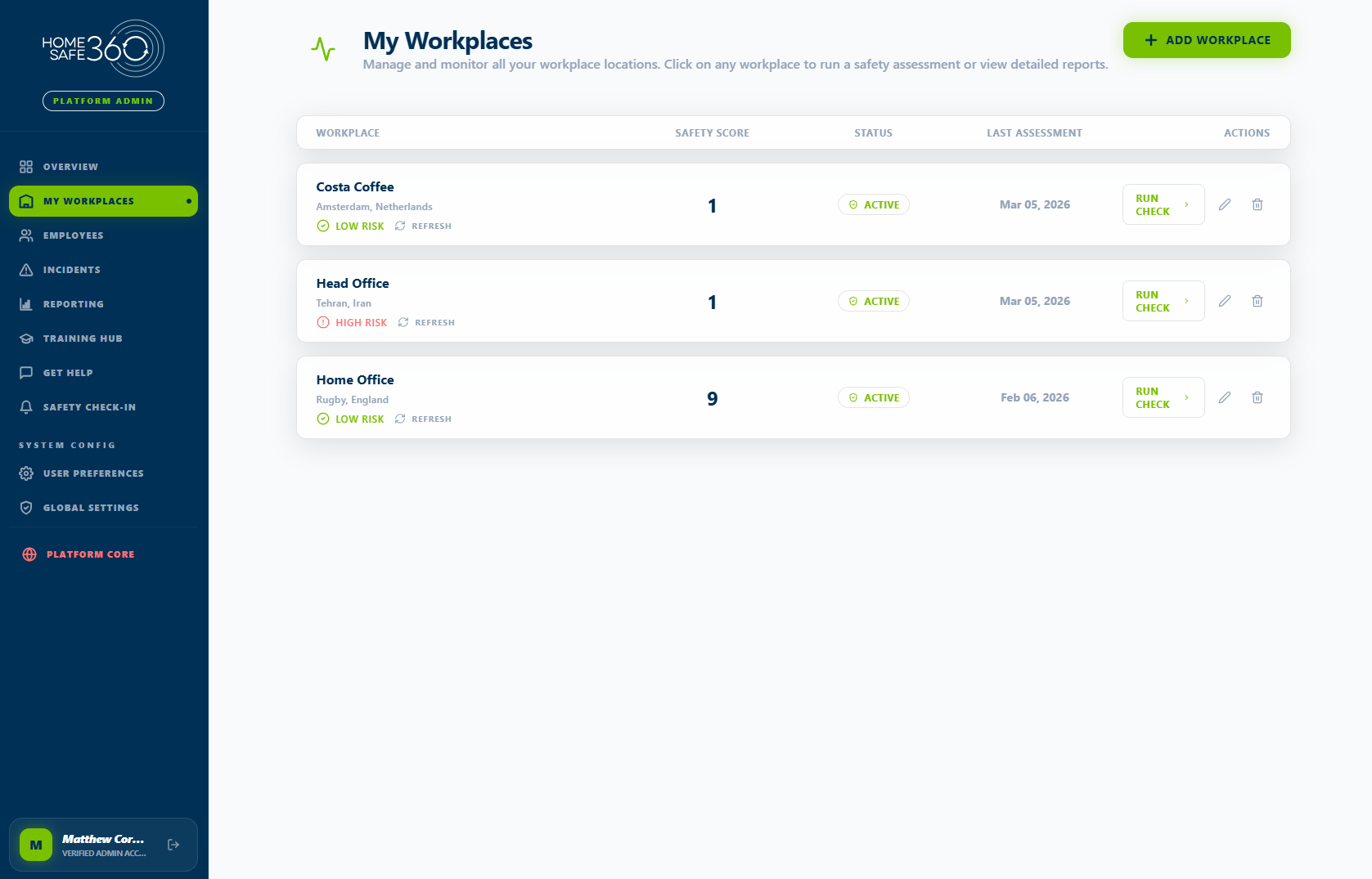
A continuous remote safety workflow

HomeSafe360 combines guided questionnaires, automated risk scoring, practical interventions, follow-up check-ins, and dashboard reporting into one structured loop.

That means organisations can move from a static self-assessment process to an ongoing system that proves action happened and shows whether risk is reducing over time.

  • Assessments capture practical risk signals without creating heavy admin for employees.
  • Follow-up actions and prompts are triggered automatically instead of being chased manually.
  • Dashboards show leaders what changed, what is unresolved, and where support is still needed.
Who it is for

Simple enough for employees, rigorous enough for compliance owners

The product is built for organisations managing hybrid, home-based, and mobile working environments where risk signals are dispersed and evidence is hard to collect consistently.

  • Health and safety leaders who need visibility, evidence, and control.
  • HR and wellbeing leaders who need something employees will actually use.
  • Operations leaders who want fewer manual follow-ups and clearer reporting.
Core engine

How the platform works in practice

The platform is deliberately straightforward: gather signal, score risk, deliver actions, and show what changed.

Assessment engine

Guided questionnaires and risk scoring

  • Guided questions that employees can complete quickly.
  • Structured scoring to flag low, medium, and high-risk responses.
  • Evidence capture that reduces reliance on manual spreadsheets.
Intervention engine

Training and micro-actions

  • Targeted training instead of generic blanket content.
  • Micro-actions such as breaks, posture prompts, and ergonomic guidance.
  • Escalation routes when additional support is required.
Engagement layer

Check-ins and support prompts

  • Ongoing check-ins to see whether conditions are improving.
  • An “I need support” pathway for employees who require help.
  • Lightweight prompts designed to keep usage high without adding friction.
Reporting layer

Real-time dashboards and compliance tracking

  • Live visibility for managers, HR, and safety stakeholders.
  • Completion and intervention tracking by team or site.
  • Clear compliance evidence for governance, audits, and follow-up.
Key differentiator

Not just assessment. A continuous improvement loop.

HomeSafe360 does not stop at a completed form. It keeps your organisation in the loop through follow-up, behaviour change prompts, and evidence tracking that show whether action actually happened.

Continuous improvement loop showing Assess, Score, Deliver action, and Track.
  1. Assess
  2. Score
  3. Deliver action
  4. Track
Reserved for the 60–90 sec product walkthrough
Demo video

Ready to show assessment flow, dashboard view, and intervention examples

The page includes the requested video embed component. No video URL exists in the repo yet, so the poster area is ready for the final hosted source when you have it.

  • Assessment flow and employee experience
  • Manager dashboard and live visibility
  • An example of a triggered intervention or follow-up action
Trust signals

Why teams trust HomeSafe360

GDPR and data handling

Privacy controls, consent-led marketing, and legal pages are in place so data concerns are handled transparently.

The "another unused tool” problem

The product is built around short, practical employee interactions rather than long, one-off compliance exercises.

Designed for operational value

It supports wellbeing and compliance together, which helps teams avoid overlap with disconnected HR point tools.